MacBook Not Charging? 12 Common Reasons, Troubleshooting Tips and Professional Repair Solutions
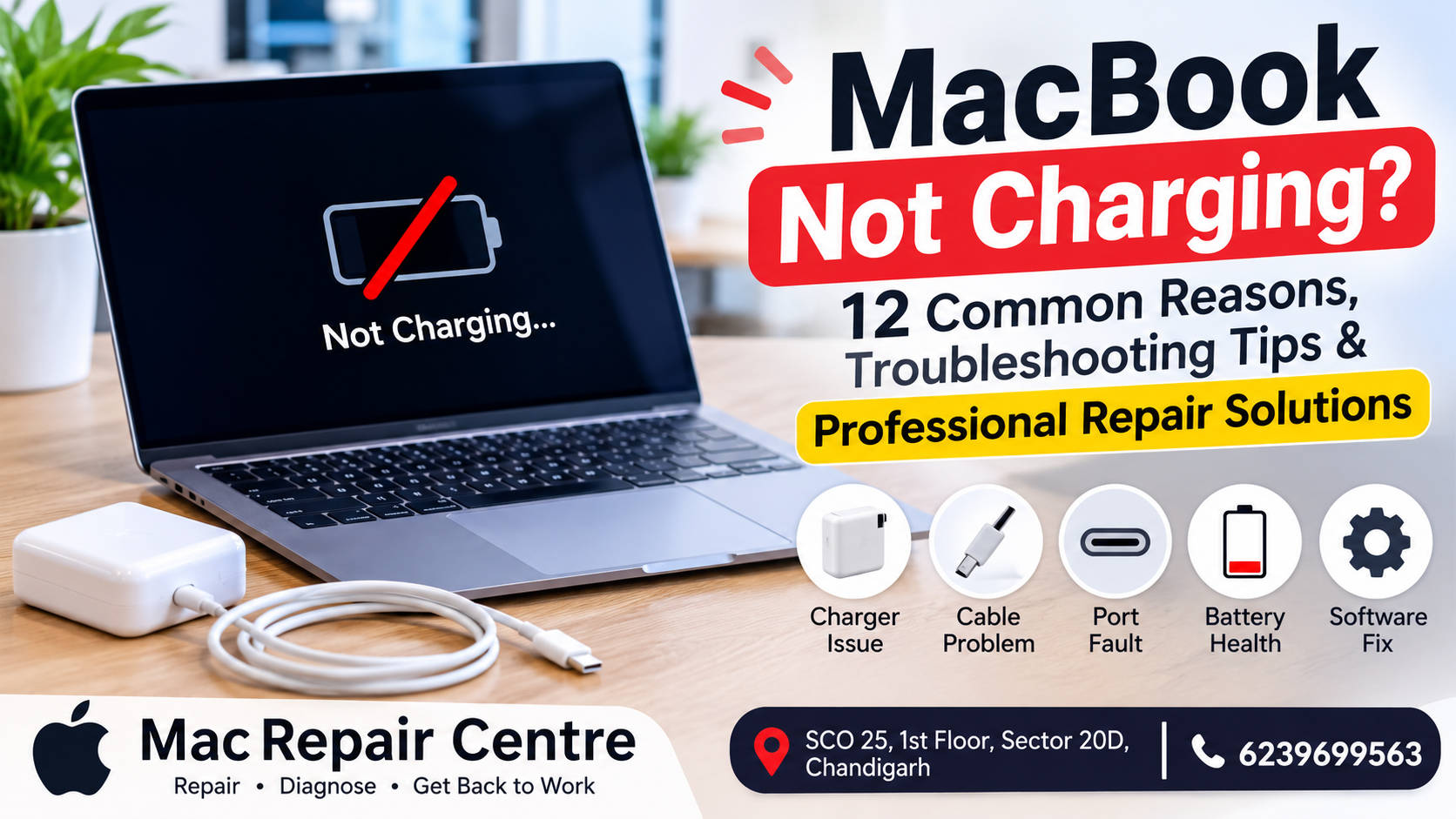
MacBook Not Charging? 12 Common Reasons, Troubleshooting Tips and Professional Repair Solutions
By Mac Repair Centre | MacBook Tips & Troubleshooting | Approx. 2,500 words
Introduction
A MacBook is an important device for students, professionals, business owners, and creative users. Whether you use it for office work, online meetings, designing, programming, or entertainment, a properly working battery and charging system are essential.
But what happens when you connect your MacBook charger and nothing happens?
Sometimes the battery percentage does not increase. In other situations, your MacBook displays a battery symbol, shows a charging notification, or suddenly stops charging at a particular percentage.
A MacBook that is not charging can be frustrating, especially when you have important work to complete.
Many users immediately assume that the battery has failed. However, the actual problem could be related to the charger, charging cable, USB-C port, MagSafe connector, battery, charging circuit, or motherboard.
In this article, Mac Repair Centre explains 12 common reasons why a MacBook may not charge, how to troubleshoot charging problems safely, and when professional repair is necessary.
1. Faulty MacBook Charger
One of the first things to check when your MacBook is not charging is the power adapter.
A damaged or faulty charger may fail to provide the required power to your device.
Common signs of a charger problem include:
- MacBook does not respond when connected.
- Charging starts and stops repeatedly.
- Charger becomes unusually hot.
- Charging works with another compatible adapter.
- Charging LED does not illuminate on applicable MagSafe models.
Try using a compatible, reliable Apple power adapter with the correct power rating.
Avoid using damaged or poor-quality chargers because they may create additional electrical problems.
2. Damaged Charging Cable
The charging cable is another common reason for MacBook charging problems.
Frequent bending, pulling, twisting, and improper storage can damage the internal wires.
Sometimes a cable looks perfectly normal from the outside but has internal damage.
Look for these warning signs:
- Loose charging connection.
- Visible cuts or exposed wires.
- Charging works only at a certain angle.
- Cable becomes unusually warm.
- Charging disconnects when the cable moves.
If you notice physical damage, stop using the cable and replace it with a compatible one.
3. Dust or Dirt Inside the Charging Port
MacBook charging ports can collect dust, lint, and other small particles over time.
This can interfere with the charging connection.
For USB-C and MagSafe models, inspect the port carefully under good lighting.
Never insert metal objects, pins, or sharp tools into a charging port. Improper cleaning can damage the connector.
If the port is heavily contaminated or damaged, professional cleaning and inspection are recommended.
4. MacBook Battery Health Has Decreased
MacBook batteries naturally lose capacity as they age.
After many charging cycles, a battery may not hold power as effectively as it did when new.
Possible battery-related symptoms include:
- Battery percentage drops quickly.
- MacBook shuts down unexpectedly.
- Battery does not charge normally.
- Service Recommended message appears.
- MacBook works only when connected to power.
You can check battery condition through System Settings.
Go to:
System Settings → Battery → Battery Health.
If your battery shows a service recommendation, have it inspected.
A battery replacement may be required depending on its condition.
5. Charging Optimisation Is Working
Sometimes users believe their MacBook has stopped charging because the battery percentage remains at 80%.
However, this can be normal behaviour.
macOS includes Optimised Battery Charging, which helps reduce battery ageing by learning your charging habits.
Depending on your settings and usage, your MacBook may temporarily pause charging before reaching 100%.
Before assuming that the battery or charger is faulty, check the battery settings and charging status.
6. MacBook Overheating While Charging
Excessive heat can affect charging behaviour.
When a MacBook becomes too hot, the system may adjust charging to protect the battery and internal components.
Possible reasons include:
- Heavy processor usage.
- Blocked ventilation.
- Dust accumulation.
- High room temperature.
- Cooling fan problems.
- Demanding applications running in the background.
Place your MacBook on a flat surface and allow it to cool naturally.
If it regularly becomes unusually hot while charging, professional inspection is recommended.
7. Faulty USB-C or MagSafe Charging Port
Modern MacBooks use USB-C or MagSafe charging systems, depending on the model.
A damaged charging port can prevent the power adapter from connecting properly.
Possible symptoms include:
- Charger does not connect securely.
- Charging works intermittently.
- One charging port works while another does not.
- Visible damage around the connector.
- Charging stops when the cable is moved.
The port may need cleaning, repair, or replacement.
The correct solution depends on the MacBook model and the nature of the damage.
8. macOS Software Problems
Not every charging problem is caused by hardware.
Occasionally, software issues can affect battery reporting, power management, or charging behaviour.
Try these basic troubleshooting steps:
1. Restart your MacBook.
2. Install available compatible macOS updates.
3. Check Battery settings.
4. Disconnect unnecessary accessories.
5. Check whether the charging behaviour changes.
If the battery percentage is not updating correctly, software troubleshooting may help identify the cause.
9. Charging Circuit Problems on the Motherboard
A MacBook motherboard contains several power-management and charging-related components.
If any of these components develop a fault, the MacBook may stop charging even when the charger and battery are working properly.
Possible symptoms include:
- No charging response.
- Battery not detected.
- MacBook not powering on.
- Charging voltage abnormalities.
- Charging works intermittently.
- Device shuts down unexpectedly.
Motherboard charging faults require technical diagnosis using suitable testing equipment.
Replacing the battery without checking the charging circuit may not solve the problem.
10. Liquid or Moisture Damage
Liquid damage is one of the more serious causes of MacBook charging problems.
Even a small amount of moisture can affect connectors, power circuits, and motherboard components.
Warning signs may include:
- MacBook suddenly stops charging.
- Device does not turn on.
- Charging port shows corrosion.
- Keyboard or trackpad stops working.
- Unexpected shutdowns occur.
If liquid enters your MacBook, disconnect the charger if safe to do so and stop using the device.
Do not attempt to charge it repeatedly or use a hair dryer to dry the internal components.
Arrange a professional inspection as soon as possible.
11. MacBook Power Adapter Wattage Is Incorrect
Different MacBook models require different charging power levels.
Using an adapter with an insufficient wattage may result in slow charging, especially during demanding tasks.
For example, a MacBook running video-editing software may consume significant power while connected to a low-power adapter.
Always check the recommended power adapter specifications for your exact MacBook model.
Using an appropriate adapter helps ensure reliable charging.
12. Battery or Charging Connector Needs Replacement
Sometimes the problem is caused by a damaged battery connector or an internal connection.
If the connector becomes loose or damaged, the MacBook may not receive power correctly from the battery or charging system.
This type of problem requires opening the device and inspecting the internal components.
Professional diagnosis is important because different MacBook generations have different internal designs.
How to Troubleshoot a MacBook That Is Not Charging
Before visiting a repair centre, you can try a few safe checks at home.
Step 1: Check the power outlet
Connect another working device to the same outlet to confirm that electricity is available.
Step 2: Inspect the charger
Check the adapter and cable for visible damage.
Step 3: Try another compatible charger
Use a known-good charger that meets your MacBook's power requirements.
Step 4: Restart your MacBook
Temporary software issues may sometimes affect charging behaviour.
Step 5: Check battery health
Review the Battery Health information in System Settings.
Step 6: Inspect the charging port
Look for visible dirt, corrosion, or physical damage. Do not insert sharp objects into it.
If these checks do not solve the problem, arrange professional diagnosis.
When Should You Visit a MacBook Repair Centre?
Some charging problems require professional tools and technical experience.
You should consider professional repair when:
- Your MacBook does not charge with a working compatible charger.
- Battery health shows a service warning.
- The charging port is physically damaged.
- Your MacBook switches off unexpectedly.
- The battery is swollen.
- The device has suffered liquid damage.
- The motherboard charging circuit is faulty.
- Your MacBook does not turn on.
A swollen battery requires special attention. Stop using and charging the device, and do not press or puncture the battery.
Can a MacBook Charging Problem Be Repaired Without Replacing the Battery?
Yes, in many situations.
The battery is only one part of the charging system.
Depending on the diagnosis, the issue may be resolved through:
- Charger replacement.
- Cable replacement.
- Charging port repair.
- Connector repair.
- Battery replacement.
- Charging circuit repair.
- Motherboard-level repair.
- Liquid damage treatment.
The correct solution depends on the actual fault.
This is why proper diagnosis should always come before replacing expensive components.
Why Choose Mac Repair Centre in Chandigarh?
Mac Repair Centre provides professional repair assistance for MacBook and iMac users in Chandigarh.
We understand how important your Apple device is for your everyday work. A charging issue can interrupt business activities, office work, studies, and personal tasks.
Our repair services include:
- MacBook battery replacement.
- MacBook charging port repair.
- MacBook motherboard repair.
- MacBook liquid damage repair.
- MacBook screen replacement.
- MacBook keyboard and trackpad repair.
- MacBook power-related troubleshooting.
- iMac repair services.
Our focus is on identifying the actual issue and recommending an appropriate repair solution.
Whether your MacBook is not charging, not turning on, or showing battery-related problems, you can contact Mac Repair Centre for assistance.
Frequently Asked Questions (FAQs)
1. Why is my MacBook plugged in but not charging?
Possible reasons include a faulty charger, damaged cable, battery issue, charging port problem, or motherboard fault.
2. Why does my MacBook stop charging at 80%?
Optimised Battery Charging may temporarily limit charging to help reduce battery ageing.
3. How do I know if my MacBook battery needs replacement?
Check Battery Health in System Settings. A service recommendation, reduced capacity, or unexpected shutdowns may indicate a battery problem.
4. Can a faulty charger damage my MacBook?
Poor-quality or damaged chargers can create electrical risks. Always use a compatible charger from a reliable source.
5. How long does a MacBook battery last?
Battery lifespan varies depending on model, usage, temperature, and charging cycles.
6. Can a MacBook charging port be repaired?
Yes, depending on the model and the type of connector damage.
7. Why does my MacBook charge slowly?
It may be caused by a low-wattage adapter, demanding applications, overheating, or battery-related issues.
8. Can motherboard problems stop MacBook charging?
Yes. Faults in charging and power-management circuits can prevent normal charging.
9. Should I leave my MacBook charging overnight?
MacBooks include battery management features designed to manage charging. Use a compatible charger and keep the device in a well-ventilated area.
10. Why does my MacBook charger disconnect repeatedly?
A damaged cable, loose port, faulty adapter, or connector issue may be responsible.
11. Can liquid damage affect MacBook charging?
Yes. Moisture can damage charging connectors and motherboard circuits.
12. Does restarting a MacBook fix charging problems?
It may help with temporary software issues, but it will not repair physical hardware damage.
13. Can I replace my MacBook battery myself?
Battery replacement can be technically difficult and involves safety risks. Professional service is recommended.
14. Why does my MacBook turn off even when the battery shows charge?
A faulty battery, power-management issue, or motherboard problem may cause unexpected shutdowns.
15. Where can I repair my MacBook charging problem in Chandigarh?
You can contact Mac Repair Centre, SCO 25, First Floor, Sector 20D, Chandigarh.
Conclusion
A MacBook that is not charging does not always need a new battery. The problem may be related to the charger, charging cable, USB-C port, MagSafe connector, software, battery, or motherboard.
Understanding the symptoms and identifying the actual cause are important steps towards a reliable repair.
Avoid using damaged chargers, ignore neither unusual heating nor liquid damage, and do not replace components without proper diagnosis.
With correct troubleshooting and timely maintenance, many MacBook charging problems can be resolved.